
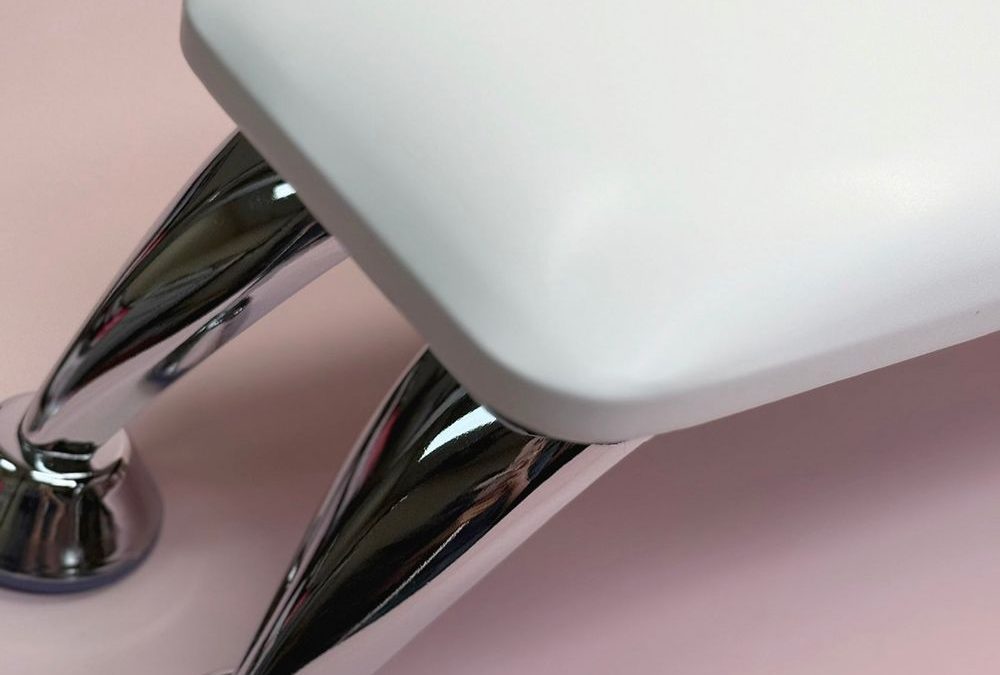
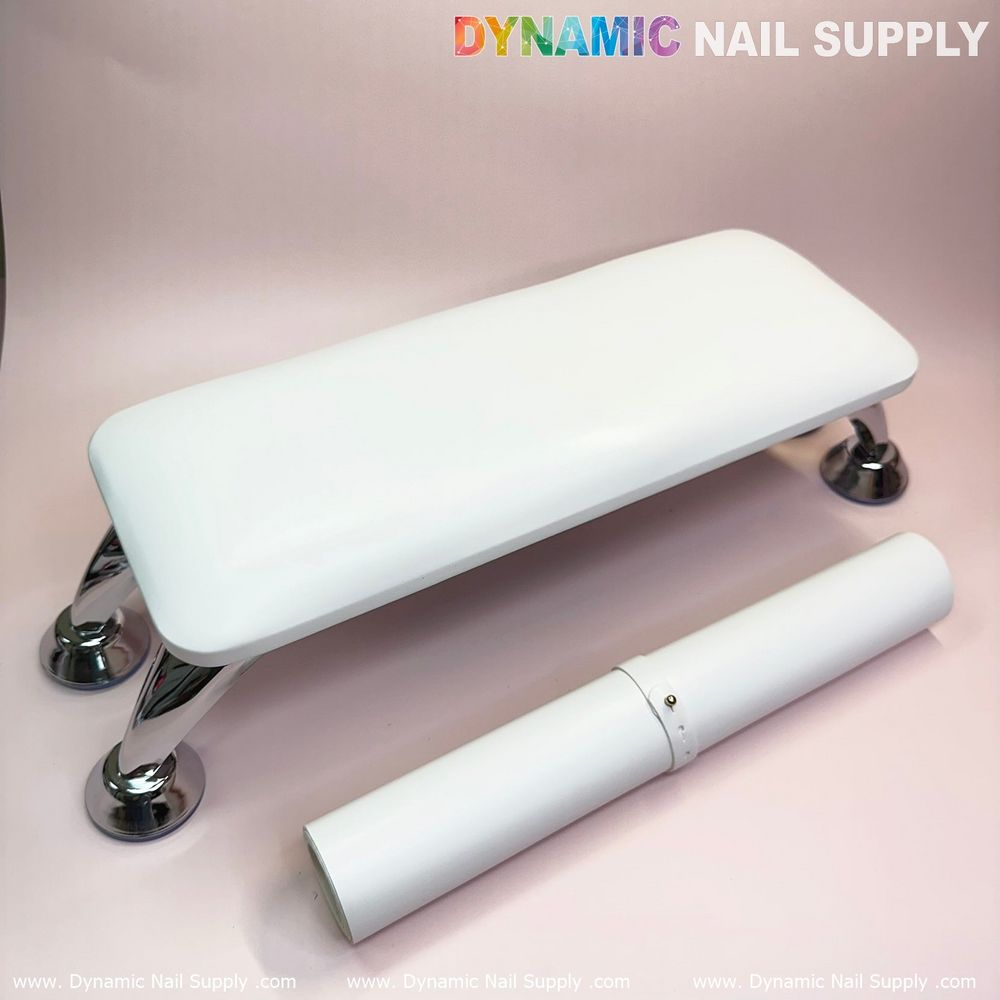
The (White) Microfiber Leather Armrest with Cushion Pillow is a compact white armrest on chrome arched legs designed to support hands and trap filing debris during e-file and hand‑file work.
How this white microfiber armrest acts as an armrest for e-file dust
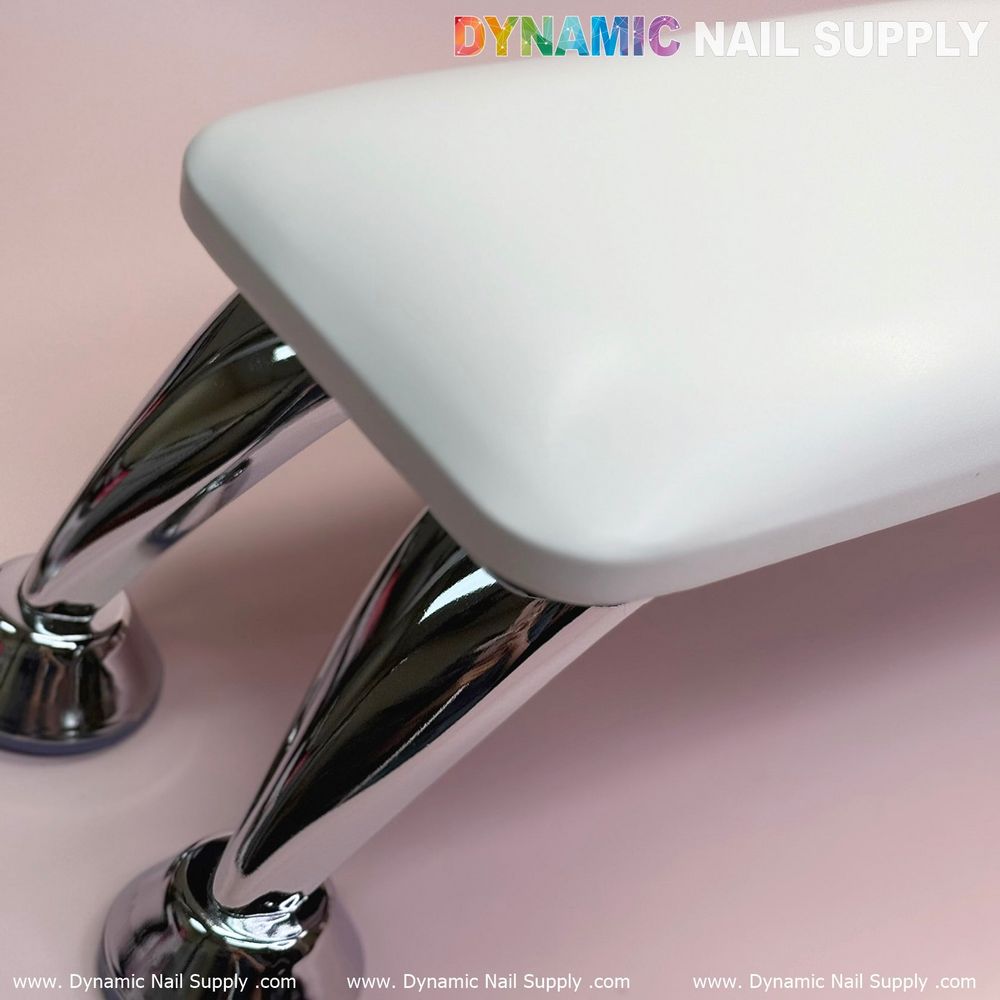
You need a stable surface that both supports a client’s hand and helps control dust while you work. The smooth matte microfiber cushion and the arched chrome legs create a raised, flat platform where dust settles in predictable locations. The compact rectangular cushion with rounded corners gives a clean edge where dust lands instead of scattering across the station.
Positioning the armrest to trap and channel dust
- Place the armrest so the client’s wrist sits over the center of the cushion; the white matte surface makes dust visible, letting you see buildup immediately.
- Angle the cushion slightly toward the technician so dust tends to fall toward the front edge rather than behind the client’s hand.
- Set the arched chrome legs so the open space beneath is unobstructed. The legs allow you to tuck a small low-profile vacuum or collection tray under the cushion while keeping the nail lamp accessible.
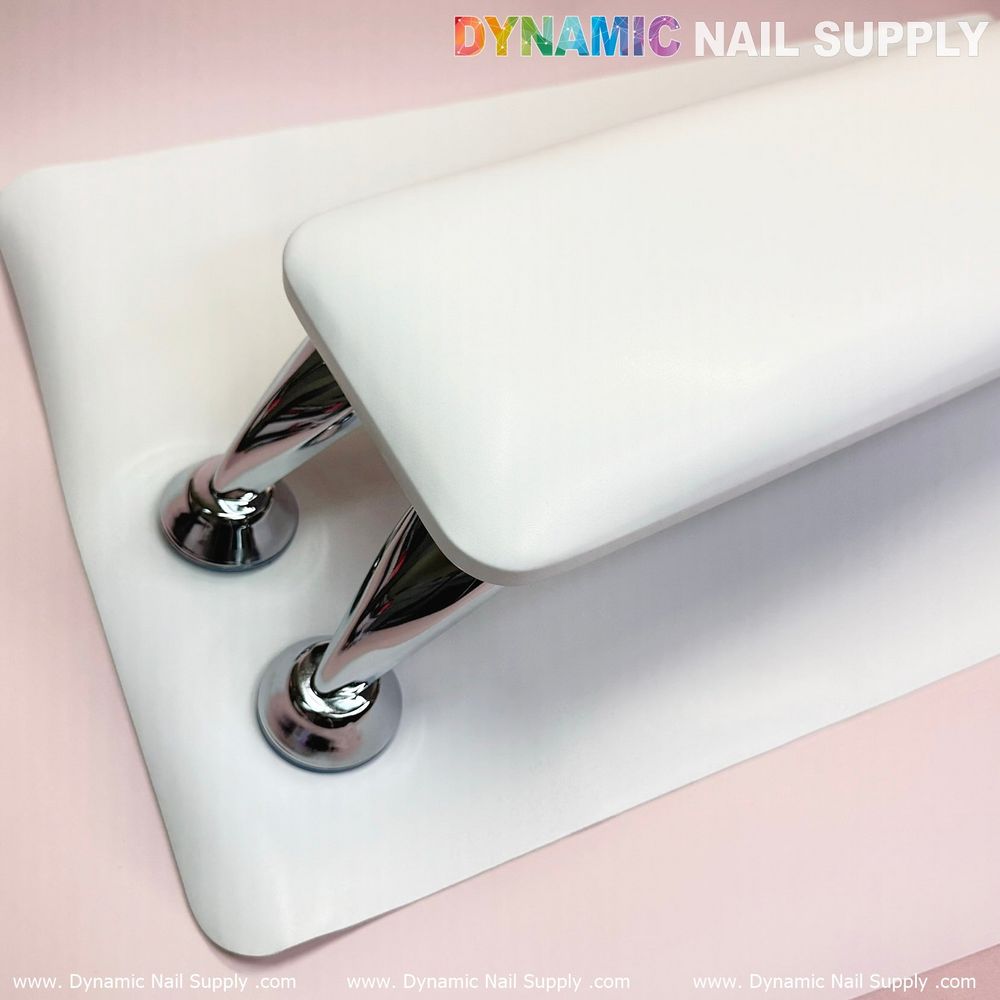
- Use the suction-style bases to stabilize the armrest on smooth station tops; this reduces vibration and prevents dust clouds caused by shifting during aggressive e-file passes.
Workflow: sequence for minimal airborne dust
- Start with a quick inspection: wipe visible dust from the cushion with a microfiber-safe dust brush before the client sits.
- Drape a thin disposable barrier or a low-lint towel across the cushion if you expect heavy filing. The white microfiber shows the amount of debris trapped beneath the barrier.
- Position a slim desktop vacuum intake directly under the front edge of the cushion. The cushion height and chrome arch are designed to fit most low-profile lamps and small vacuums underneath.
- Perform e-file passes moving dust toward the front edge of the cushion; pause and vacuum the front edge periodically rather than letting debris accumulate across the full surface.
- Between clients, use a soft microfiber-safe brush and a low-moisture wipe to clear remaining dust, then run the vacuum under the cushion for a final pass.
Vacuuming tips and collection methods
Use a low-suction desktop vacuum with a narrow nozzle to collect debris at the cushion edge without disturbing the cushion surface. The white microfiber shows dust, so you can judge when to stop. For higher-volume work, slide a shallow collection tray under the cushion front; dust will fall into the tray as you file toward the edge.
If you prefer an in-station solution, position a compact filtration unit so its intake sits directly under the cushion’s front gap. The chrome arch gives you room to align the unit without raising the client’s hand. For quick reference on integrating this exact style into your station layout, consider adding white microfiber armrest with cushion pillow to the area where you stage vacuum intakes and collection trays.
Brush and cloth choices safe for the matte finish
- Microfiber dust brush: Soft, low-lint fibers sweep dust without abrading the matte microfiber cushion.
- Soft microfiber cloth: Use with low-moisture, pH-neutral cleaning solution for spot cleaning; avoid harsh solvents.
- Disposable low-lint towels: Good for heavy sessions; they protect the cushion and keep the white surface visible so you can monitor debris.
Between-client reset: a fast routine
- Remove any disposable barrier and shake out above a waste bin.
- Brush the cushion surface with a soft microfiber dust brush toward the front edge.
- Vacuum the front gap or collection tray for 10–20 seconds.
- Wipe the cushion quickly with a barely damp microfiber cloth and allow to air dry while you prepare tools.
Best for and not ideal for
- Best for: Nail techs who perform frequent e-file work and need a visible, low-profile surface to trap dust; stations that rely on a small vacuum tucked under the armrest.
- Not ideal for: Environments that require continuous wet sanitizing between clients with heavy chemical disinfectants, or setups where the armrest will be soaked or scrubbed aggressively.
Care and material handling to protect the white microfiber
Keep cleaners low in moisture and neutral in pH. The white smooth microfiber cushion resists light transfers but will show staining if exposed to strong dyes or solvents. Use soft brushes only; stiff brushes or abrasive pads can scuff the matte finish. The chrome legs are high-gloss reflective—wipe them separately with a dry cloth to avoid streaks on the cushion during cleaning.
Safety and station notes
- Do not block airflow of any filtration unit under the cushion; maintain a small open gap between cushion and intake for effective capture.
- Use a local exhaust or vacuum to control dust at source. This armrest is a containment aid, not a substitute for proper dust extraction.
- Store the armrest on a flat surface when not in use to avoid pressure on the cushion’s rounded corners that could deform the sponge core over time.
Practical pairings and modest extras
Pair the white microfiber cushion with a slim nozzle vacuum, a soft microfiber dust brush, and a shallow collection tray. The white surface complements minimalist station palettes and highlights dust visually so you can act quickly. Prices vary; this style is available in two configurations and may be priced from $20 to $25, subject to change.
Final recap
- Use the white microfiber armrest to make e-file and filing dust visible and easy to collect.
- Position the cushion toward you, keep a vacuum intake at the front gap, and brush dust forward.
- Choose soft microfiber brushes and low-moisture wipes to protect the matte finish and chrome legs.